.svg)


TL;DR
- An agent is essentially a bundle of automated SOPs.
- Most teams skip the giving AI the context it needs.
- Agents stop revenue leaks.
- To get started, automate one SOP.
- Chief can automate tasks like stale deal identification.
The Problem With Most AI Advice? Everyone tells you to "use AI to scale your sales team."
What they don't tell you is that generic AI produces generic results. In sales, generic gets ignored.
I've spent the last several months learning this, both as a founder building Chief and as a sales leader using it. Technology isn't the hard part. The context is.
That's the insight behind everything we're building.
Why Chief Built This Automation
We're in the middle of a QA sprint — stress-testing Chief before shipping our next major release. The whole team has been living inside the product, building real automations, and asking the same question we ask every customer we onboard:
"What's the most painful manual task your team executes every single week?"
The answer came fast, and it wasn't surprising.
Hunting for deals that have quietly gone dark.
Sales managers know the drill. You open the CRM. You sort by last activity. You start scrolling, deal by deal, trying to figure out which ones have actually stalled, which ones just look stalled, and what should be done about each one.
It takes hours. It happens every week. And despite all the effort, deals still slip through.
So we asked Chief to build an automation to kill it.
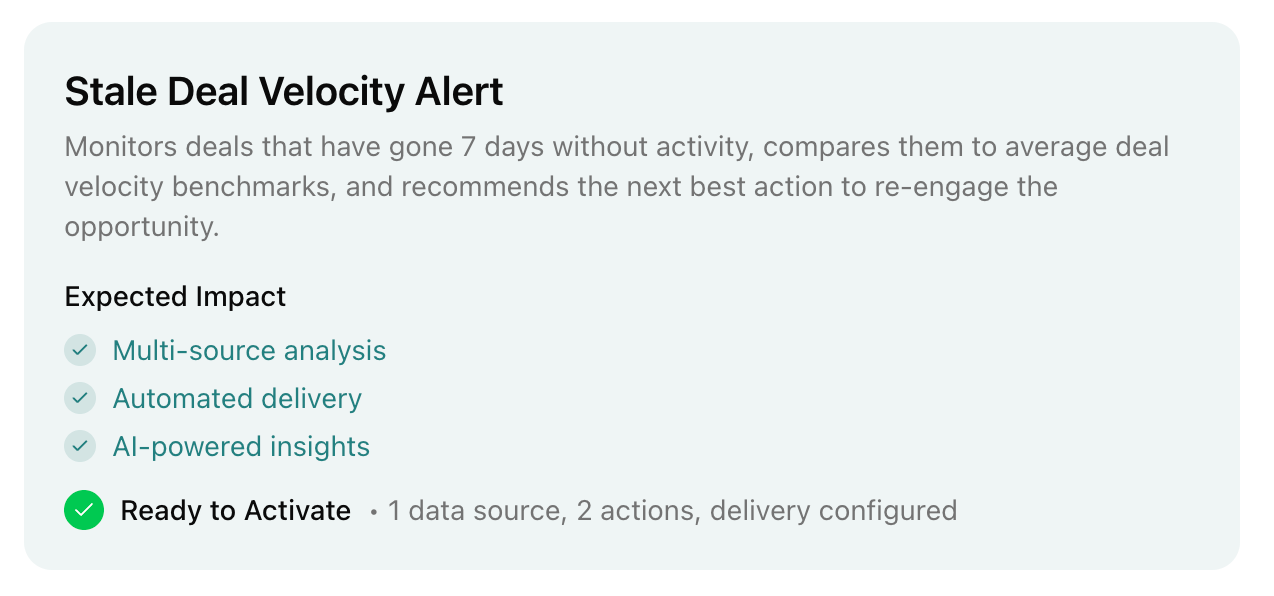
The Stale Deal Velocity Alert
Here's how the automation works:
Trigger: Any deal that hits 7 days without recorded activity.
Context: Chief pulls the full deal record from HubSpot — stage, amount, close date, owner, and contact history.
Logic: Chief compares that deal's inactivity against your average deal velocity benchmarks by stage. A deal sitting dark in "Proposal Sent" for 7 days means something very different than one sitting dark in "Discovery."
Output: The deal owner gets a specific, recommended next action based on the deal's size, stage, and urgency. Not a generic nudge. A tailored intervention.
The expected impact: catch at-risk deals 7 days earlier than manual review, save roughly 3 hours a week on pipeline monitoring, and ensure every inactive deal gets a timely second look.
Why This Works (And Why Most AI Automations Don't)
This is what I've come to believe about agentic AI:
An agent is just a bundle of SOPs that run themselves.
That reframe is simple, but it's clarifying. And it's changed how we build Chief. When we stopped asking "what should the interface do?" and started asking "what would a great sales assistant actually do every day, without being asked?" the product got sharper immediately.
Most people want to design the whole system before they turn it on. That's not how agents work. You don't architect them top-down. You build them the same way you'd train a new hire: one process at a time, with clear triggers, clear logic, and clear outputs.
Most Teams Skip the Context
Chief doesn't just flag deals with no activity. It compares each deal's behavior against your historical deal velocity benchmarks, by stage, by deal size. That comparison is what turns a data point into a useful signal.
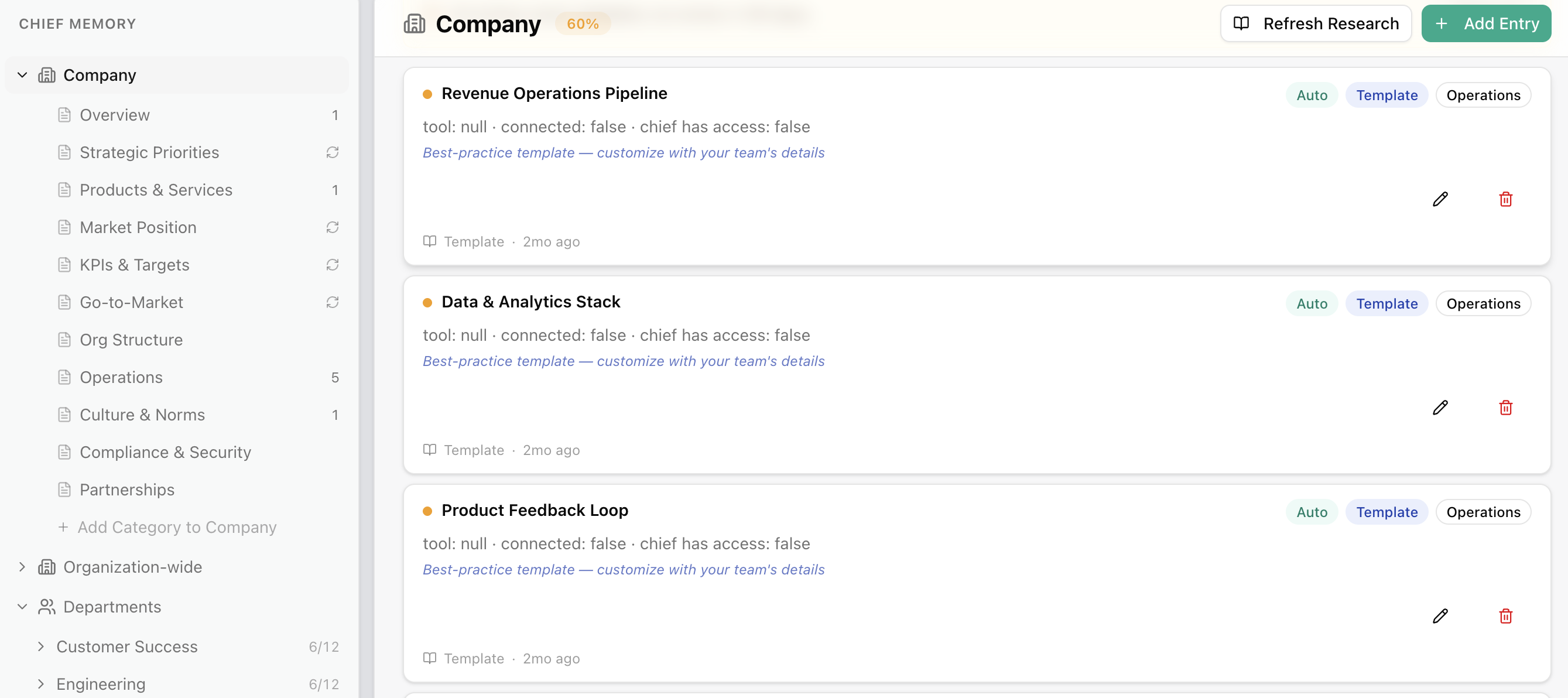
That's what the Context Library does. Before Chief can tell you which deals are genuinely at risk, it needs to understand what "normal" looks like in your pipeline. What's your average time in each stage? What deal sizes close on what timelines? What does engagement typically look like before a deal goes dark versus before it closes?
Without that context, you get generic alerts. With it, you get analysis that feels like it came from someone who actually knows your business.
This is also why we prompt Chief the same way you'd brief a new employee before handing them a project. The quality of the output is a direct function of the quality of the context you provide.
We've seen this play out consistently: teams that invest in their context library get sharper, more actionable insights. Teams that skip it get noise.
How to Automate Your Painful Manual Sales Tasks
If agentic workflows feel overwhelming right now, ignore the hype and start here.
Pick one thing your team does manually, on a recurring basis, that follows a predictable pattern. Document it as an SOP: trigger, logic, output. That's your first baby agent.
It can be as simple as this: "When a deal hits 7 days without activity, surface it to the owner with a recommended next action based on its stage and size."
That's it. And it's enough to recover deals that would have otherwise slipped quietly into the next quarter's forecast miss.
The Bottom Line: Automations Prevent Revenue Leaks
Automating repeatable, manual processes like this stops revenue from leaking out of deals that never got a second look. When you remove the friction between "something is wrong" and "someone take action," you accelerate the desired outcome.
That's what we're building Chief to do. Our goal is more than surfacing intelligence; it’s closing the loop between intelligence and execution.
Learn more in our guide to improving sales processes.